App-V error 4615186-19D0810A-10000005 after importing Adobe Photoshop CS5 sequence project
I created an App-V package of Adobe Photoshop CS5 using the App-V Sequencer. I already read that Adobe Photoshop CS5 was quite a hassle to get sequenced, so I followed a couple of advices I found through Google. The sequencing was actually quite smooth although lengthy. After importing the .sprj file into the Application Virtualization Management Console and starting a Server Refresh in the Application Virtualization Client it consistently refused.
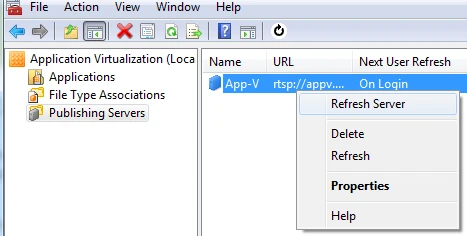
The error I got was 4615186-19D0810A-10000005 which is actually quite well known in the App-V community so it seems.
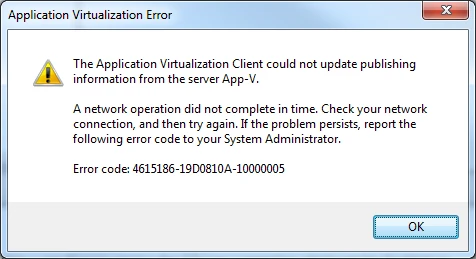
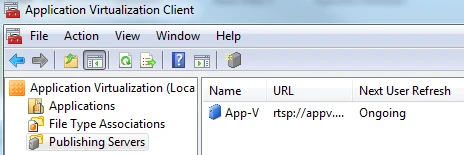
The refresh, that usually takes a couple of seconds, timed out after 20 seconds. During that time it was showing the status Ongoing.
I did a LOT of debugging before I found the cause of the error. Enabling verbose logging on server and client didn’t reveal anything more than I already knew.
[08/03/2011 16:18:50:149 MIME ERR] {tid=3E8:usr=<username>}Failure on Desktop Configuration Server request to URL {rtsp://appv:554/} with header {Host: appv
Content-Type: text/xml
AppV-Op: Refresh
} (rc 19D0810A-10000005).
Solution
The solution was kind of a longshot, but removing all File Type Associations did do the trick. Afterwards I tried removing them a couple at the time, but I didn’t find a specific one that was causing it all. Thankfully it was working when I removed everything but the PSD extension, as that’s the bare minimum I wanted.



Enjoy this article?
Consider subscribing to our rss feed!
No trackbacks yet.
Leave a comment